
Sections and silhouettes
When you’d rather rebuild a mesh as a proper parametric part than convert it, start from sketches of it. Cross Section cuts the mesh with planes; Project Silhouette looks along an axis and draws its outline. Both write a DXF sketch.
Cross sections
Section titled “Cross sections”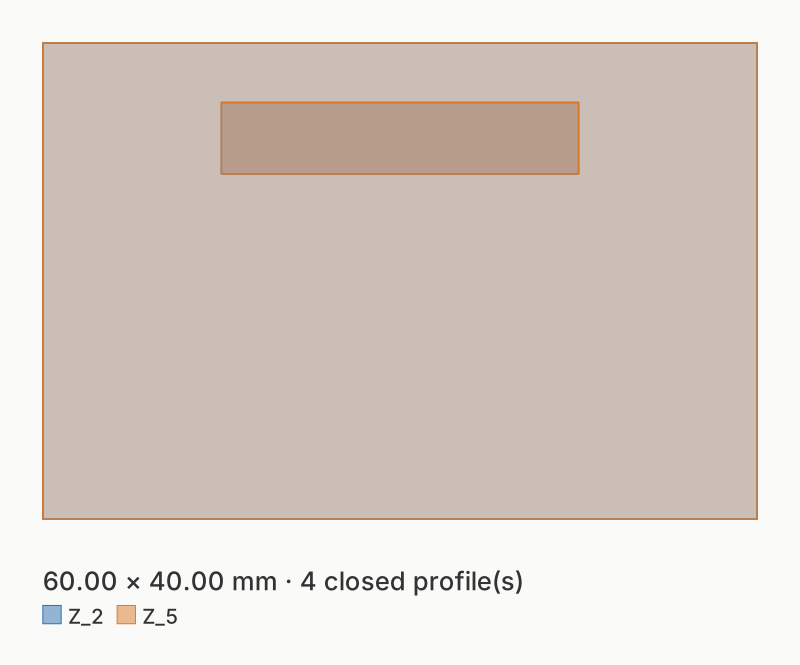
bracket.stl cut at Z = 2 and Z = 5 mm: one DXF layer per cut, Z_2 and
Z_5.
Choose Cross Section (DXF), then set Section › Axis and Positions (in mm along that axis).
shapemason section bracket.stl --at 2,5shapemason section bracket.stl --axis x --at 10A position outside the mesh is a warning and gives nothing for that cut. Run Analyze to see the mesh’s size.
Silhouettes
Section titled “Silhouettes”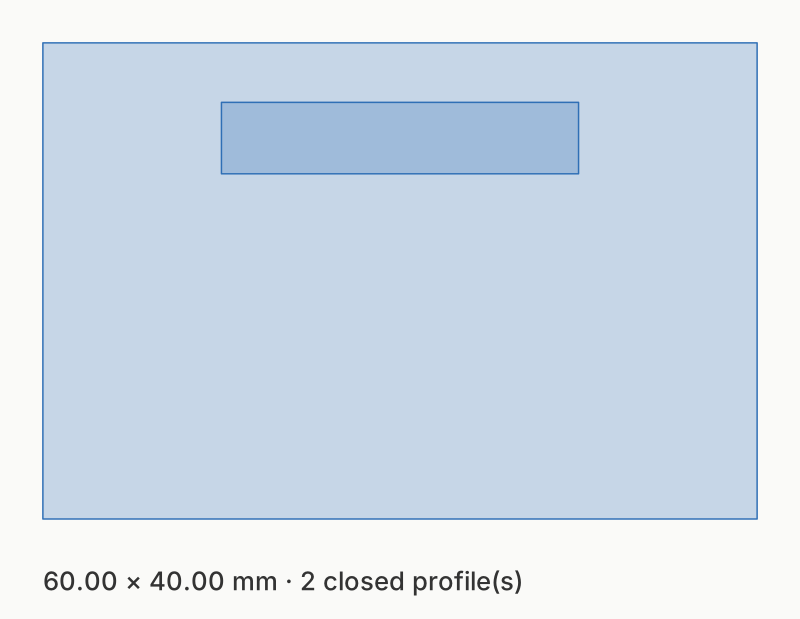
bracket.stl projected along Z, on layer OUTLINE_Z.
Choose Project Silhouette (DXF) and set Axis.
shapemason project bracket.stlshapemason project bracket.stl --axis yOptions
Section titled “Options”The mesh’s reading and placement options apply (units, up axis, origin, object, repair), so sections line up with a solid converted from the same file. Of the sketch options, only DXF version, Tolerance and Name apply. See Sections and silhouettes.
Use cases
Section titled “Use cases”Stacked laser-cut models, fit checks, foam inserts, drilling templates: step by step, for every front end.